Power Options
A Linux power manager with a GUI. It makes laptops last longer on battery.
What it does
Power Options makes Linux laptops last longer on battery. It replaces TLP, auto-cpufreq and cpupower-gui, and it has a GUI.
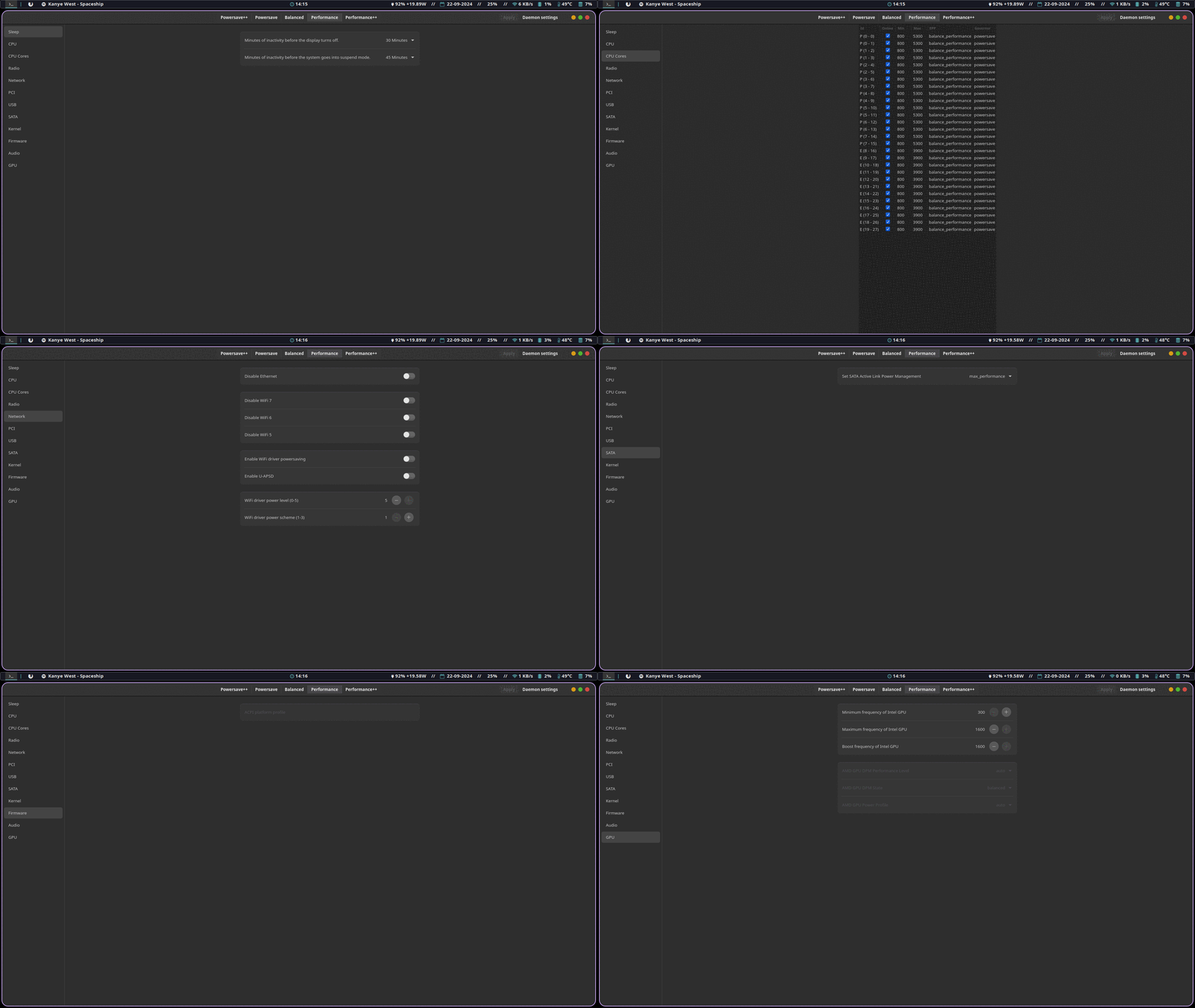
When you install it, it examines the hardware and makes a set of profiles for that machine. Most users never change them. Users who want more control can edit every setting.
Why I built it
The other tools had two problems. Most of them have no GUI, only config files. And most of them do not control each CPU core separately. Per-core control was the first reason for this project.
The other tools also give you two profiles: battery and AC. Power Options lets you have as many profiles as you want:
- You pick one profile for battery and one profile for AC.
- A temporary override keeps a different profile until you remove the override.
- A persistent override stays after a reboot.
What it controls
The settings come from the power management guides of the Arch and Gentoo wikis, and from the other tools:
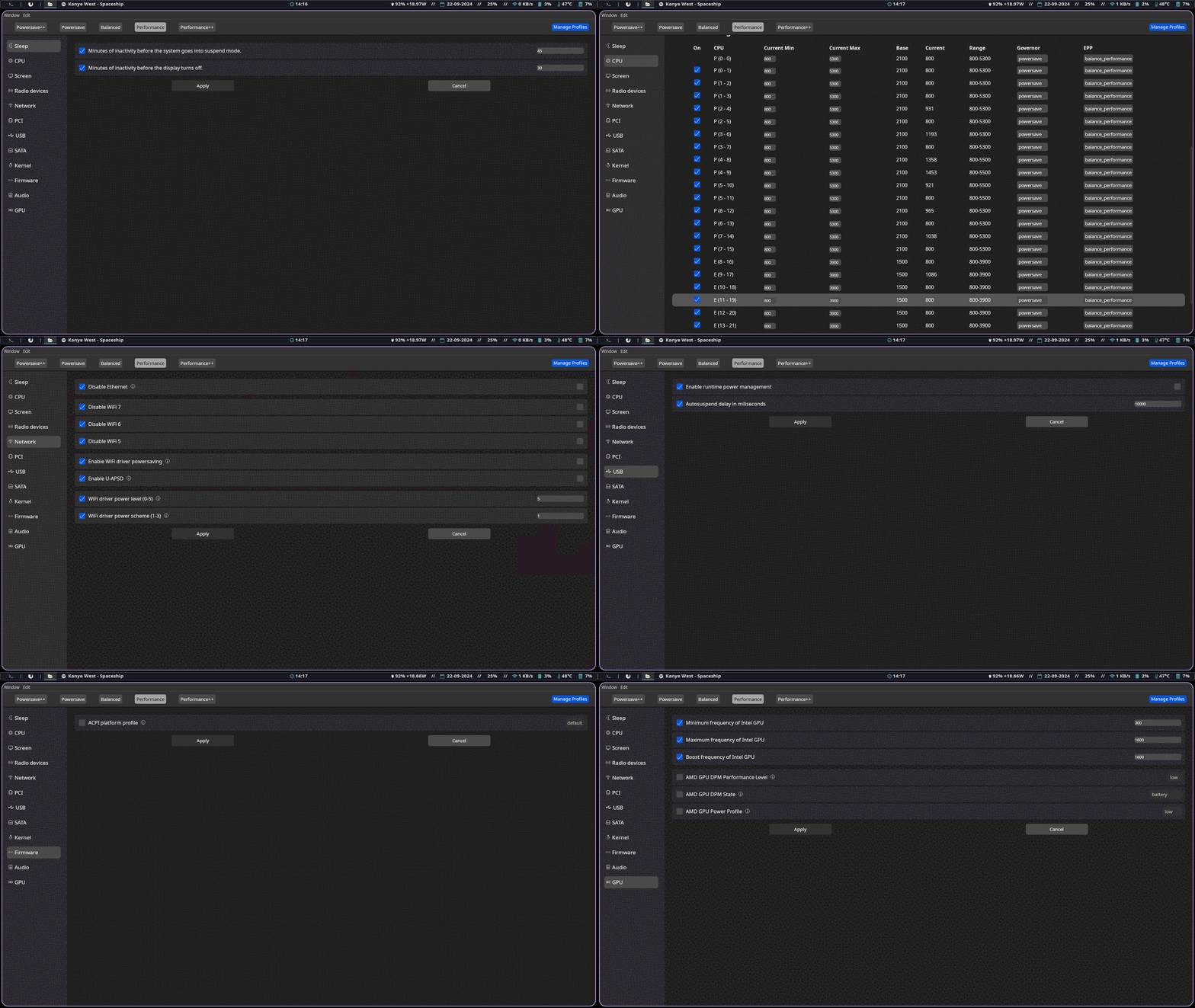
- Sleep: suspend and screen timeout.
- CPU, and each CPU core separately.
- Screen, radios (Bluetooth, Wi-Fi, NFC) and network. The network settings work only with Intel cards that use
iwlwifi. - ASPM, PCI, USB and SATA power management.
- Kernel parameters, firmware settings, audio and GPU.
- Intel RAPL power limits.
How it works
A daemon runs as root and writes the settings to the system. The frontends talk to it over D-Bus. The configuration is TOML, so you can also use the daemon without a GUI.
There are two frontends. The GTK frontend (relm4) is light and native. The webview frontend (dioxus) has more settings, for advanced users. A tray applet switches profiles.
Release
I made the first commit on 2024-07-12. Version 1.0.0 came out on 2024-09-14. The last release is 1.2.3, on 2025-12-08.
The repo has 382 stars. Two other people contributed code. I also answered the support questions of the users.
The CI workflow took 67 runs before it worked.The packages are on the AUR, in stable and -git versions, for each frontend. The Debian, Fedora and Arch packages come from DistroPack, which I built later.
What I learned
Rust UI frameworks that use macros are hard to use. Inside a macro there is no code completion, no auto-format, and no clear location for compile errors. Rust is good for the daemon. I do not think that it is a good choice for a UI yet.